Endpoint management that keeps teams secure and productive.
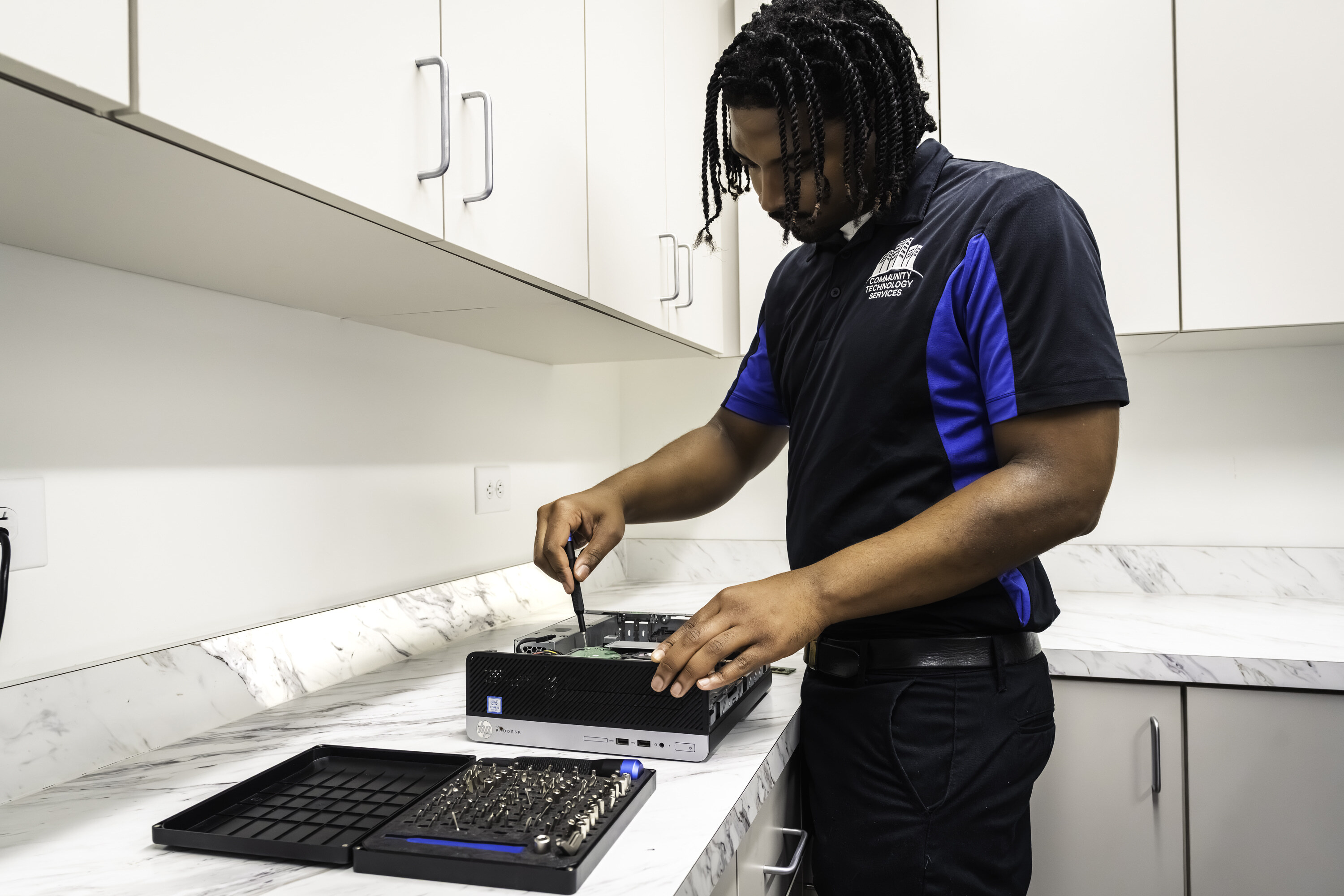
CTS manages laptops and desktops for property management teams with consistent standards, security controls, and responsive support—so devices stay reliable and issues get resolved fast.
WHAT CTS MANAGES ON ENDPOINTS
Consistent standards reduce tickets and lower risk.
We manage the fundamentals that keep devices stable, secure, and easier to support.
Device Standards
Consistent setups that simplify support and onboarding.
Patch and Update Management
Monthly updates and controlled change windows.
Security Controls
Baselines that reduce risk and protect company data.
Device Health Monitoring
Early detection of performance issues and failures.
Provisioning and Replacements
Faster setup, clean transitions, and lifecycle planning.
Computer Accessories
Support for printers, monitors, docks, and other essential peripherals.
When CTS is the right fit
Endpoint issues usually show up as slow devices, inconsistent setups, and security gaps. We remove the friction.
Operational Issues
Devices getting slower over time
Frequent login, email, or application issues
Too many one-off device setups
Onboarding/offboarding taking too long
Remote staff needing consistent support
Printers and shared devices causing recurring interruption
Security Issues
Updates not being applied consistently
Lost devices or unclear access controls
Shared logins or unmanaged admin access
No baseline security standards across the team
WORKING WITH CTS
We standardize first, then manage devices day to day with predictable support.
Clear steps, consistent standards, and reliable follow-through.
Step 1: Baseline
We inventory devices, current setup, and top pain points.
Step 2: Standardize
We apply consistent device policies and security settings.
Step 3: Maintain
We keep devices updated and stable with monitoring and maintenance.
Step 4: Support
Staff get help quickly when issues arise—without back-and-forth.
WHAT ENDPOINT MANAGEMENT INCLUDES
A practical set of standards and ongoing care.
CTS manages the tasks that keep devices consistent and reduce disruptions.
Device inventory and standard build guidance
Monthly OS and application patching
Security baseline settings
Performance monitoring and proactive remediation
New device setup and user onboarding support
Device replacement planning and transition support
Printer and shared device support
Policy and access management for local admin controls
WHAT YOUR TEAM GETS
Less downtime, fewer tickets, and a more secure environment.
Faster Support
Standard setups mean issues are easier to solve and get resolved faster. operation.
More Consistent Devices
Policies and patching reduce the “every laptop is different” problem.
Lower Risk
Security baselines and regular updates reduce preventable exposure.
RELATED SERVICES
Endpoint management works best when core systems are managed together.
Common questions about device standards, updates, and support.
What devices do you manage?
CTS manages company laptops and desktops used by your team. Scope and device types are confirmed during onboarding.
How often are updates applied?
Microsoft releases Windows security updates monthly. CTS reviews and applies these patches on a scheduled monthly cycle to minimize disruption, with exceptions for urgent security updates when needed.
Do you monitor devices continuously?
Yes. We monitor device health and performance and address issues as they arise, often before users report them.
Can you standardize new device setup for onboarding?
Yes. We implement consistent setups so new hires can get productive quickly and support is simpler.
Do you support remote employees?
Yes. We support remote staff and devices as part of the agreed scope.
Can you take over our current environment?
Yes. CTS takes on your current environment and standardizes it over time for better reliability and supportability.
Is endpoint management available with managed IT?
Yes. Endpoint management is commonly included as part of a broader managed IT plan for management company teams.
Standardize devices and reduce daily IT friction.
Schedule a consultation to set up endpoint management with clear standards, predictable updates, and fast support.